



Firmware V4.3: Dual Notes, Talk Insights, New Writing Tools in Memo, and More
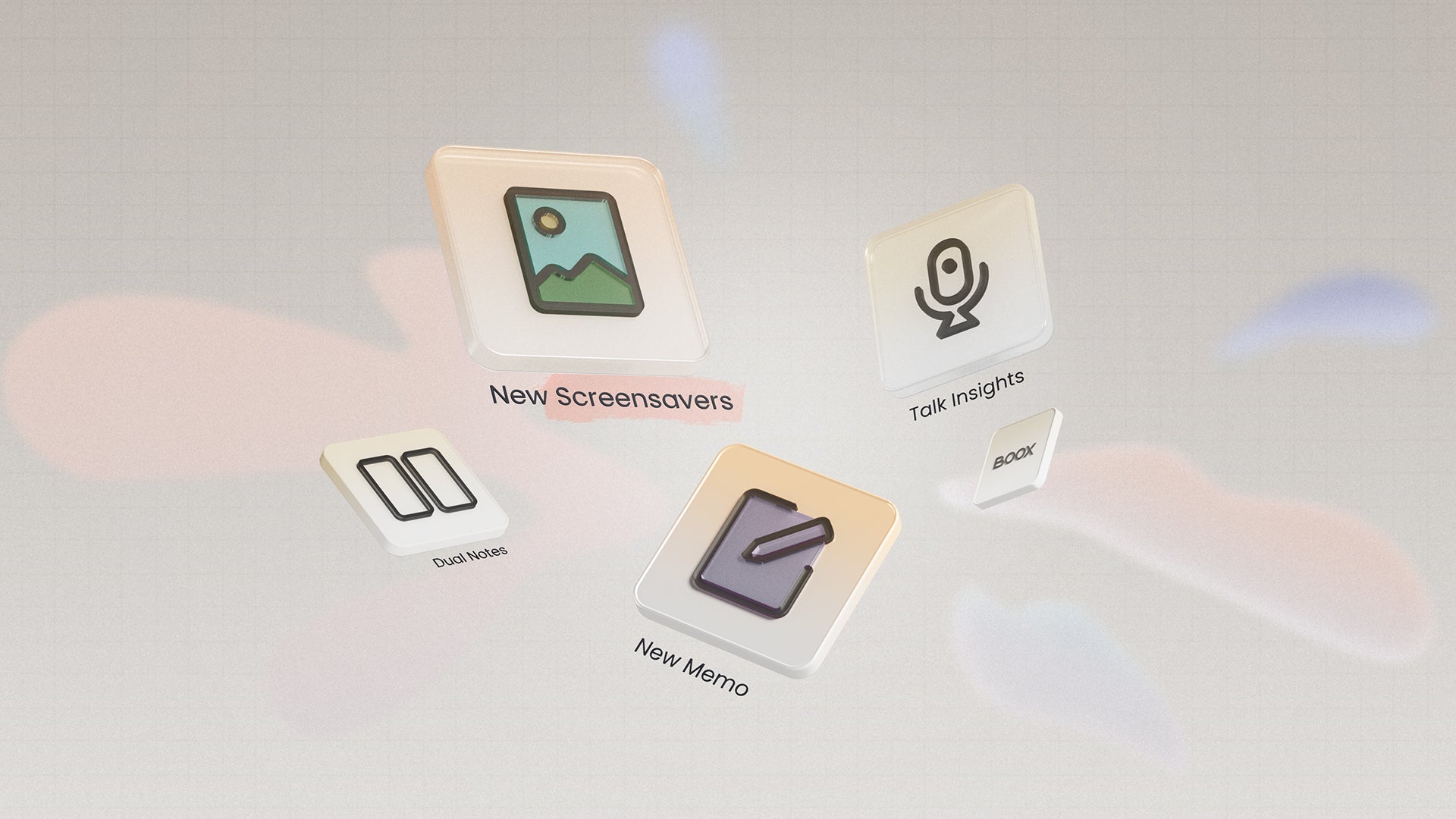
Quick Summary: Firmware V4.3 brings a handful of improvements. Dual Notes for cross-referencing. Stay on track during meetings with Talk Insights. To write efficiently, enable Undo/Redo getsures and set stylus button for frequently-used writing tools. A complete brush set and Lasso tool are added in Calendar Memo. You can also set your current book cover as a screensaver, or add stickers to a transparent screensaver.
We’re excited to bring you Firmware V4.3. This update reduces friction across your everyday ePaper workflows, helping you think, write, and customize with greater efficiency. Let's explore more.
How Can I Integrate My Notebooks and Compare Them
Now, you can integrate your notebooks via the Quick Access panel. Here, you can enable Dual Notes to compare your notes.
In Firmware V4.3, the Notes app gets a new Quick Access panel. It's a shortcut to search, manage, and relate notebooks without leaving the current one.
Dual Notes lets you view and edit two notes in vertical or horizontal mode on ePaper notebooks like the Note Air6 C. Enhance workflows that involve frequent cross-referencing, like research studies or literature reviews. For quick editing, use the Lasso tool to drag and copy content across notebooks, including handwriting, shapes, text boxes, and links.

Where and How Can I Use Talk Insights for Meetings
In Firmware V4.3, Talk Insights is available in countries and regions including the United States, Canada, Australia, Taiwan, Japan, and South Korea. Visit our user guide for the full list.
Talk Insights helps you stay focused and follow up during meetings. It captures speech in 14 languages and transcribes audio in real time. You can edit, copy, and translate the transcription later. The handwriting area lets you jot down key points for instant clarity. For a fast recap, Talk Insights generates meeting minutes with clear structure.
Now, you can sign in to your ONYX Account to unlock 5 hours of Talk Insights transcription and 500,000 characters of AI Assistant responses every day, plenty for most daily workflows.

Efficient Writing with Undo/Redo Gestures & Stylus Button Settings
In the Notes app, you can enable Undo and Redo gestures for any stroke or action. Edit notes faster during continuous writing without tapping the top toolbar frequently.
Now, you can customize the button for BOOX active styluses such as InkSight and InkSense Plus. Set it as a shortcut for Marker, Eraser, Lasso, and more. Your writing flows become more efficient with quicker tool switching.
Expressive Memo with a Complete Brush Set & Lasso Tool
The Memo section now comes with 7 brush options for a versatile writing experience. Highlight what matters with standout colors or distinctive brushes for quick notes, checklists, and more.
The added Lasso tool helps organize your Memo. Move, resize, or delete handwritten content with ease. You can also add links to notes, files, or websites. To create a calendar schedule, write down to-dos on Memo and turn them into Events or Reminders.
In Firmware V4.3, the Memo section is also supported on 6.13" devices with handwriting capability, including Palma 2 Pro and the upcoming Palma 3. So you can check your calendar and do quick memo-taking during commutes or short breaks, without switching back to the Notes app.

Other Improvements
Firmware V4.3 also updates two new screensaver styles in Settings. For bookworms who want a visual reminder of their current book, use the new Currently Reading screensaver style. Stickers for transparent screensavers are available. When you pause your reading, your ePaper device is turned into a stylish decor piece. Calendar Memo also features new widgets. Now you can check Events or Reminders at a glance on your home screen.
There are many more updates for you to explore. The Firmware V4.3 is rolling out in batches. If you haven’t received it yet, please be patient or check for updates via Settings > System Update.


